Norwest Tech · VoIPline wholesale partner

01 / Business VoIP & hosted PBX

Your business calls.
Connected in the cloud.

A smarter phone setup for your team, with local support from Norwest Tech.

Bring your numbers, people and customer conversations together. We supply and configure VoIPline-powered cloud phone systems for Norwest, Bella Vista and the Hills District.

Hosted PBXKeep your numberLocal support
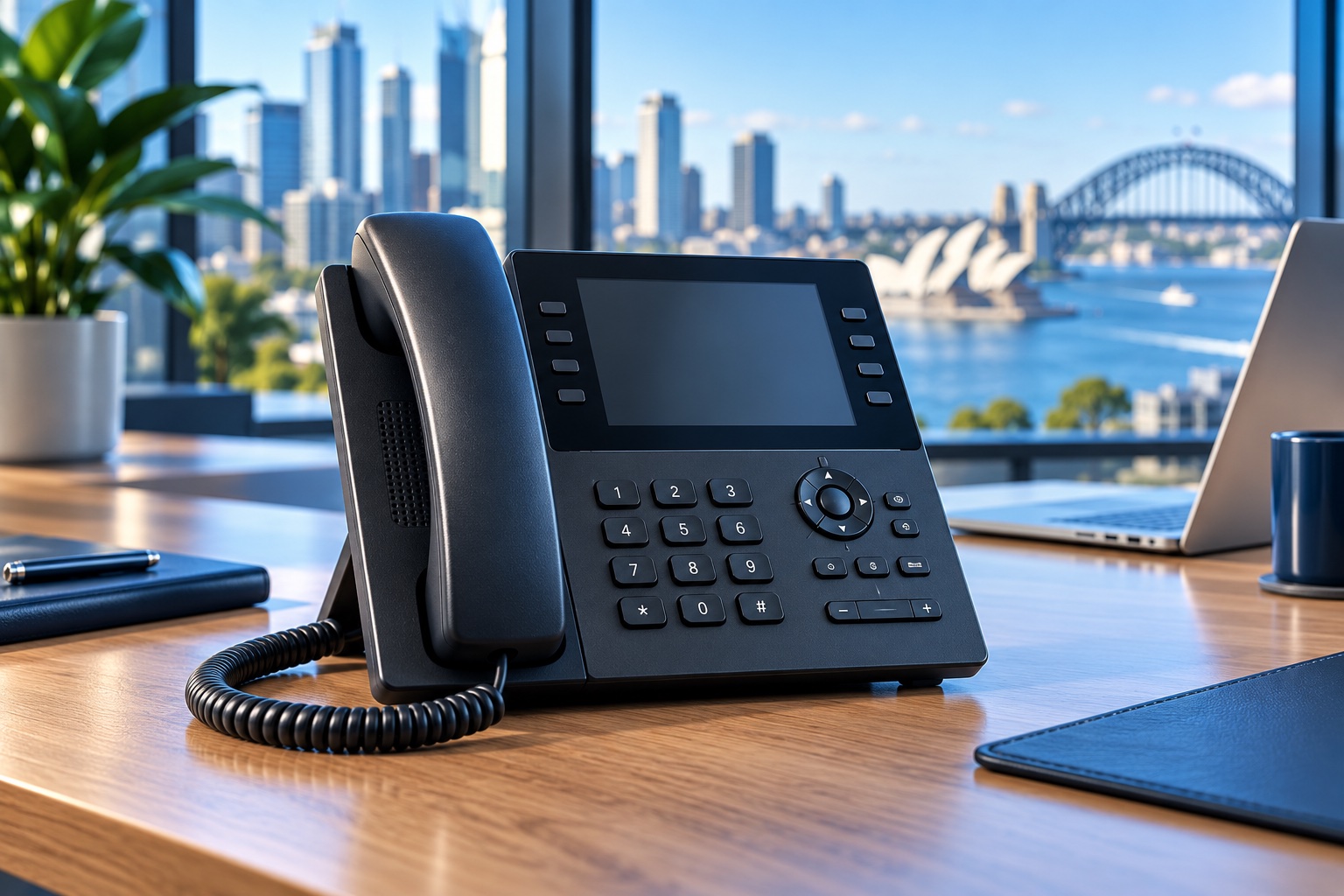
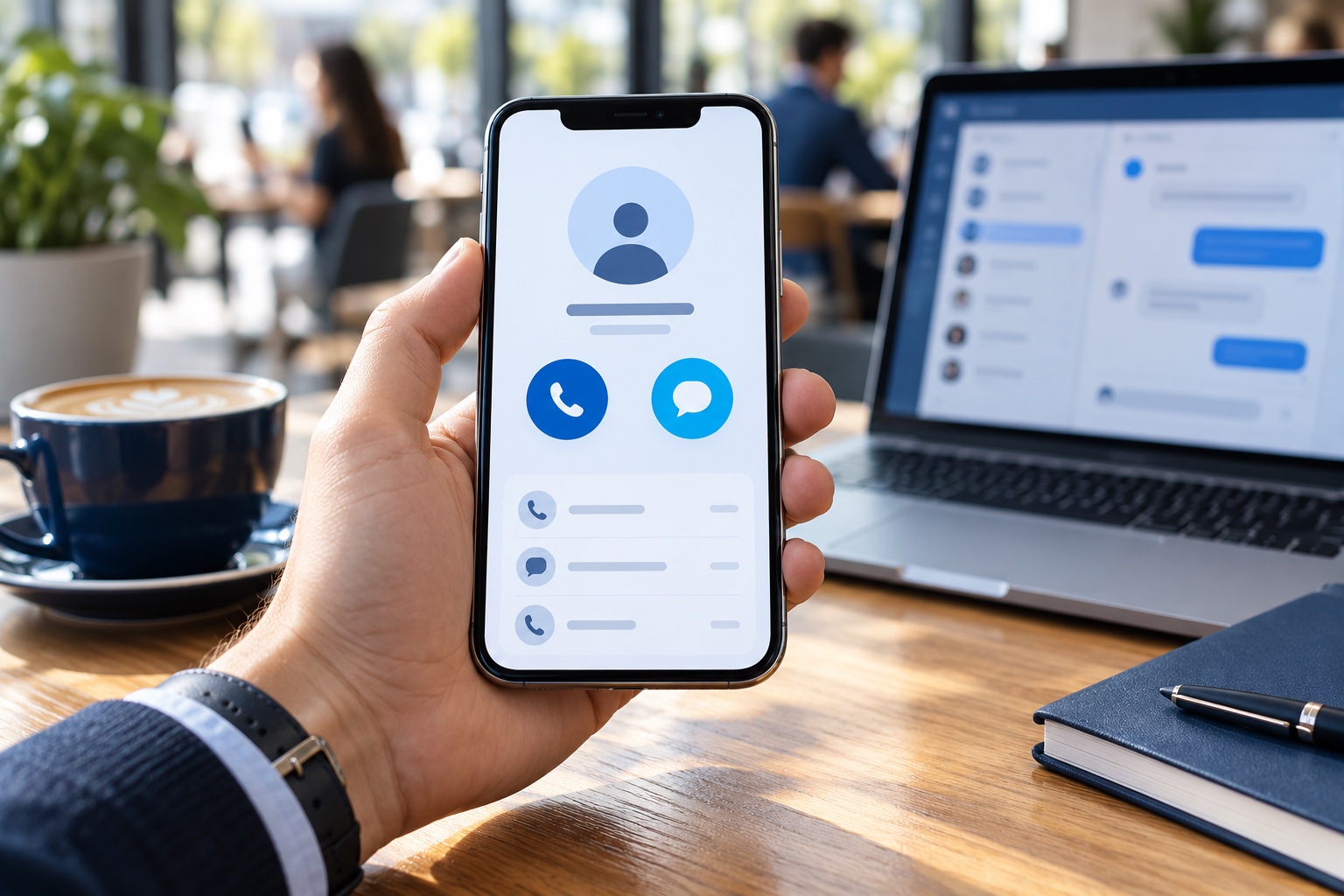
Business desk phone in a modern office
Built around your teamOne number.
More ways to connect.
Business numberSales · Support · Reception

01 / Hosted PBX

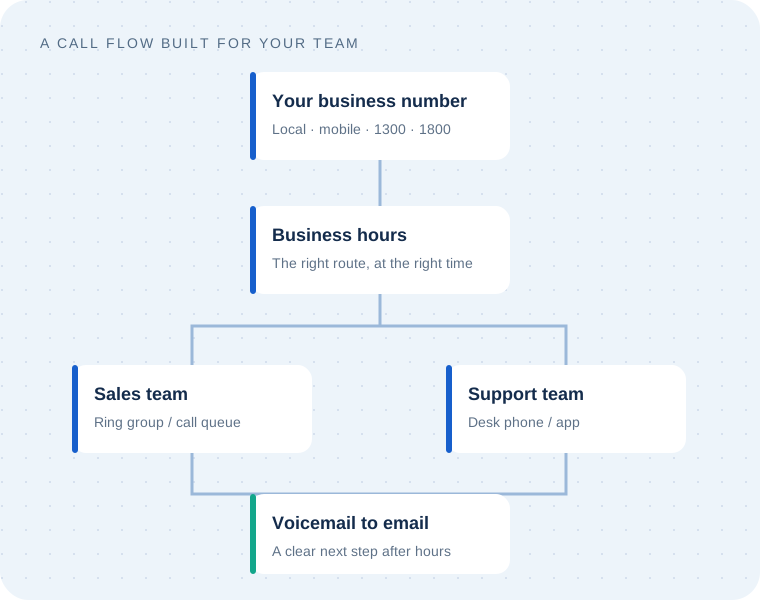
A better path for every incoming call.

Replace a disconnected phone setup with a cloud PBX designed around the way your team works. A visual call flow connects your numbers, opening hours, menus and people.

  • Route calls by business hours and caller menu choices
  • Ring a team together or send callers to a queue
  • Send unanswered calls to voicemail and email
  • Use compatible desk phones, softphones and mobile apps
Plan your call flow with us ↗

A simple example

Example call flow routing a business number through opening hours to sales, support and voicemail
  1. 01
    A customer calls

    Your existing or new business number.

  2. 02
    Your greeting guides them

    Sales, support or the right department.

  3. 03
    Your team answers

    At a desk, remotely or through an app.

  4. 04
    After hours has a plan

    A message and voicemail destination.

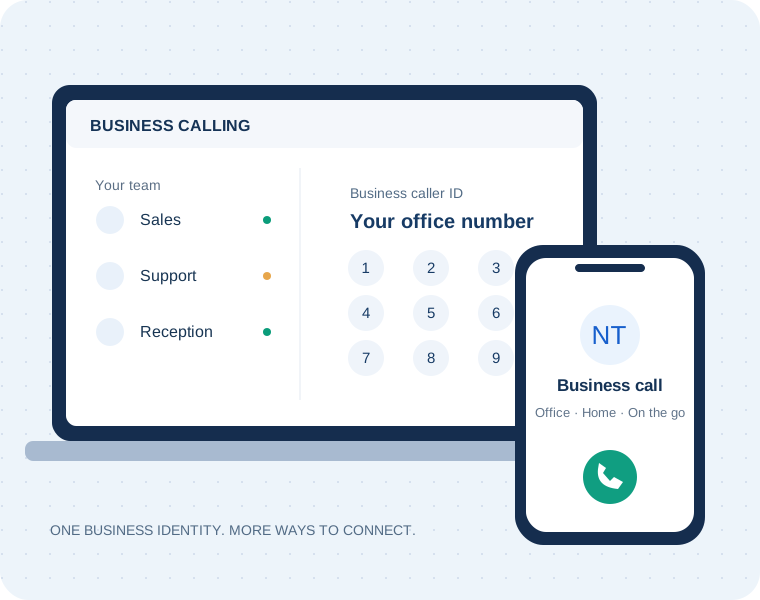
Original illustration of business calling on a desktop and mobile phone
Concept illustration · actual app appearance varies

02 / Webphone & SMS

Your business number.
Wherever work happens.

Use VoIPline Webphone for business calls on desktop, mobile or in a browser. Keep work conversations under your business identity while your team moves between the office and remote locations.

  • Make and receive business calls through the app
  • Find colleagues and contacts in your phonebooks
  • Send and receive SMS with a compatible number and plan
  • Transfer calls and manage team availability

Device licences, number rental and messaging charges depend on your selected package.

Explore Webphone features ↗Build your calling and SMS package ↗

Webphone / Get connected

Your business phone. On your device.

Open Webphone in your browser or download the app for your device. Sign in with the PBX user email and password supplied for your Norwest Tech phone service.

MOBILE / ANDROID

Webphone for Android

Scan with your Android phone camera, or open Google Play on your device.

QR code to download Webphone from Google PlayOpen Google Play ↗
MOBILE / iPHONE

Webphone for iPhone

Scan with your iPhone camera, or open the App Store on your device.

QR code to download Webphone by VoIPcloud from the App StoreOpen App Store ↗
DESKTOP / BROWSER

Work from your computer

Desktop apps are available for Windows, macOS and Linux. You can also use Webphone directly in a browser.

WindowsmacOSLinux
  1. Open the Norwest Tech Webphone page.
  2. Select Download at the bottom.
  3. Choose your operating system.
Open desktop downloads ↗Use Webphone in your browser ↗

An active phone service and configured PBX user are required. Browser and desktop access must also be enabled for your user. If the login page says only the mobile app is available, use the Android or iPhone app below or contact Norwest Tech to review your access. Device licences and SMS availability depend on your package. Need help signing in? Contact Norwest Tech.

03 / Business phone numbers

The right number for your next conversation.

A local presence, a mobile identity or a national contact point. We help you choose a number that suits how customers reach you.

02

Local virtual landlines

A Sydney business number connected to your cloud phone system. Ask about numbers in other Australian areas too.

04

Virtual mobile numbers

Business calls and two-way SMS with the appropriate SMS-enabled number, calling service and messaging plan.

1300

National business numbers

A shared-cost contact number for your business. Discuss routing requirements and incoming call charges.

1800

Toll-free numbers

A free-call number for customers calling within Australia. Number rental and incoming call costs apply to your business.

Already have a number customers know?

Ask us about porting it to your new service. Eligibility, timing and fees depend on your number and current account. International numbers are also available by enquiry.

Check number options ↗

04 / Build around your workflow

More than a dial tone.

Choose the tools that fit your team. We confirm compatibility, configuration and additional licences before including them in your proposal.

SIP trunking

Connect a compatible existing PBX to internet calling. Choose channels and a calling plan around your requirements.

Microsoft Teams calling

Explore direct routing to bring business calls into Teams. Compatible Microsoft licences and phone service are required.

CRM & integrations

Connect calling workflows with supported CRM tools, APIs and webhooks. We review the integration you need before quoting.

Queues & reporting

Monitor calling activity and queue performance with reports and wallboards to help manage your team's workload.

Call recording

Discuss recording, access and storage requirements for your chosen setup, including appropriate notices and retention settings.

Greetings & voiceovers

Give callers a clear welcome with recorded announcements, music on hold and AI or professional voiceover options.

Features and charges vary by configuration. See plans and optional services or ask for a tailored quote.

05 / Your local technology team

Cloud technology.
People you can talk to.

As a VoIPline wholesale partner, Norwest Tech brings the platform and local implementation together. Talk to one team about your phone system, office network, IT support and business internet.

We work with businesses across Norwest, Bella Vista, Castle Hill, Baulkham Hills, Kellyville, Rouse Hill and the Hills District.

  1. PlanReview your numbers, users, call flow and connection.
  2. ConnectAgree the package, configure devices and plan any porting.
  3. SupportHelp your team use the system and discuss ongoing care.
Ask about Superloop business NBN ↗
Office collaboration representing local technology support
Phone systems, networks and IT — planned together.

Before you connect

Your questions,
answered.

Need help choosing? Talk to Norwest Tech.

Does Norwest Tech provide VoIP solutions?

Yes. Norwest Tech is a VoIPline wholesale partner providing business phone setup and support for Norwest and the Hills District. Our options include hosted PBX, SIP calling plans, virtual phone numbers and number porting.

Can I keep my existing business number?

Number porting may let you retain your current number. We check eligibility and the required account information before confirming the transfer process. Keep your existing service active until the port is complete.

Should I choose a virtual landline or a virtual mobile?

A local landline number suits a business that mainly takes calls. A virtual mobile may suit a business that also needs SMS, provided the number and plan support messaging. We help you compare availability, calling features and ongoing charges.

Where can I see the prices?

Use our VoIP pricing calculator to explore calling plans, number rental, SMS and porting charges. Your final quote confirms availability, selected features, usage and setup costs.

Can you help with business internet too?

We can discuss Superloop NBN options for your business address alongside your phone system. Available plans and speeds depend on your address and connection type.

Let's talk business phones

Make your next connection count.

Tell us how your team works. We’ll help you put together the right phone setup.

VoIP needs working internet and power, including for emergency calling. Discuss emergency calling and an outage continuity plan with us before connecting.

Call us