
Calls that fit your workflow
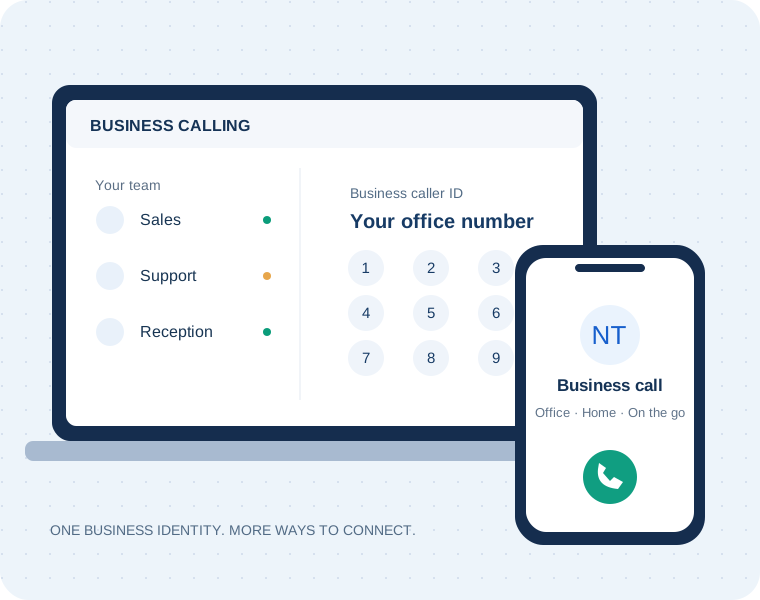
Choose an outgoing business caller ID, transfer calls or bring colleagues into a conference.
Norwest Tech setup & supportWe help plan the caller identity and call handling your team needs.
Norwest Tech / Webphone
Your business phone on desktop, mobile and in a browser.
Norwest Tech helps you set up VoIPline-powered Webphone around your team. Bring your business number into your working day, whether you are in the office, at home or moving between locations.
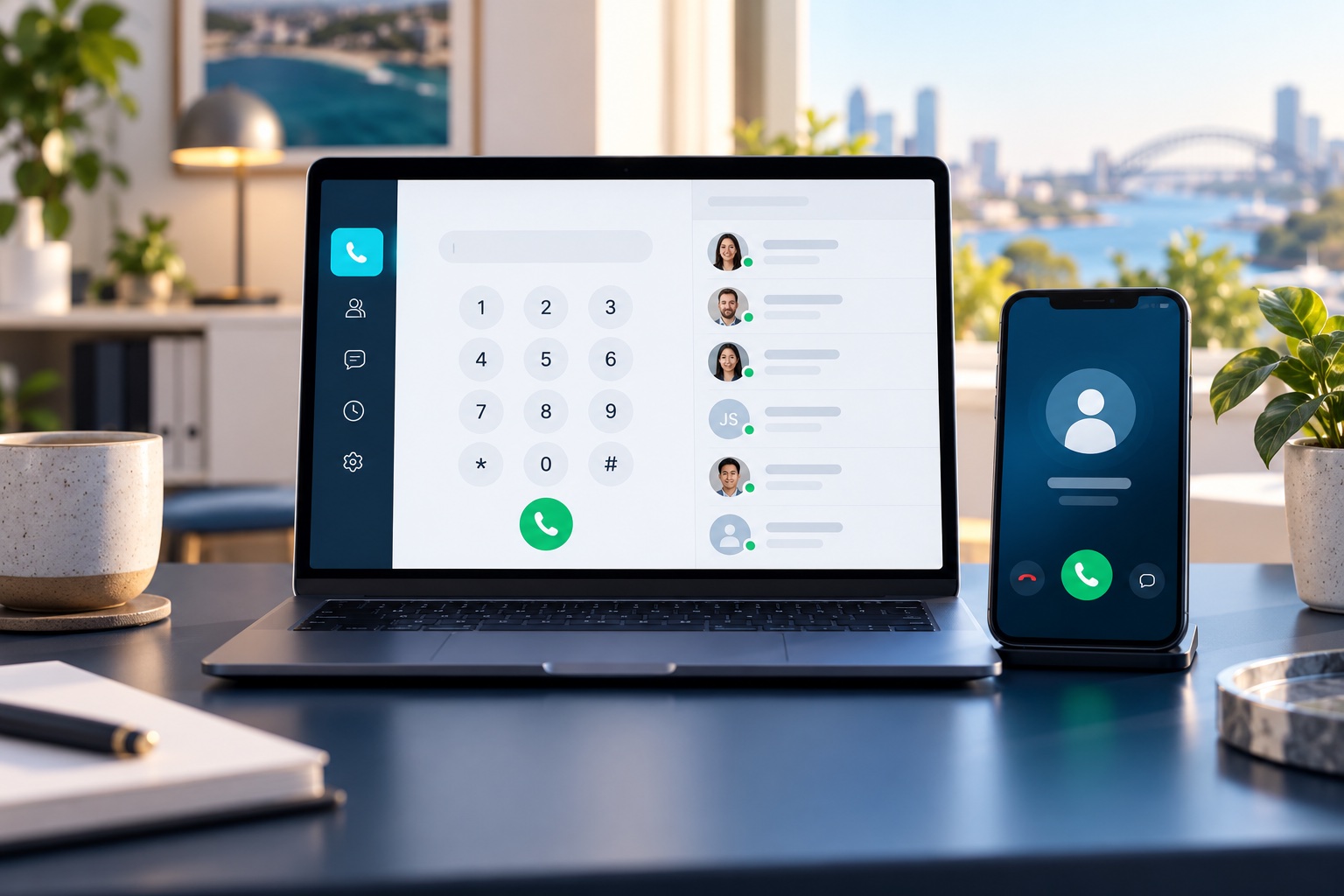
Work together, wherever you are
Start with the calling tools your people need. We confirm the features, permissions and licences included in your setup before you connect.
Choose an outgoing business caller ID, transfer calls or bring colleagues into a conference.
Norwest Tech setup & supportWe help plan the caller identity and call handling your team needs.
Use two-way SMS with an enabled number and suitable plan. Shared message history helps teams stay coordinated.
Norwest Tech setup & supportTell us which people need access and how customer enquiries should be handled.
Find contacts, review previous calls and see colleague availability before transferring.
Norwest Tech setup & supportWe help organise the phonebooks and team setup around your business.
Access assigned voicemail and recordings where configured. Recording and storage depend on your service settings.
Norwest Tech setup & supportWe discuss access, retention and appropriate notices as part of the setup.
Supported integrations can surface customer information during calls. Integration licences and compatible accounts are required.
Norwest Tech setup & supportWe assess the software you use before recommending an integration.
Choose audio devices, availability and notification preferences to suit your working day.
Norwest Tech setup & supportOur local team can help users get comfortable with everyday calling.
Local help to get started
Tell us who needs to make calls, which devices they use and how incoming enquiries should reach them. We review the phone service and user setup, agree the package and help your team get connected.
Webphone / Get connected
Open Webphone in your browser or download the app for your device. Sign in with the PBX user email and password supplied for your Norwest Tech phone service.
Webphone is for calls and SMS. The customer portal is for billing and phone system configuration.
Scan with your Android phone camera, or open Google Play on your device.
 Open Google Play ↗
Scan with your iPhone camera, or open the App Store on your device.
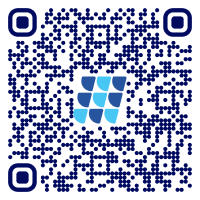 Open App Store ↗
Desktop apps are available for Windows, macOS and Linux. You can also use Webphone directly in a browser.
An active phone service and configured PBX user are required. Browser and desktop access must also be enabled for your user. If the login page says only the mobile app is available, use the Android or iPhone app below or contact Norwest Tech to review your access. Device licences and SMS availability depend on your package. Need help signing in? Contact Norwest Tech.
Before you start
Our team supports businesses in Norwest, Bella Vista and the Hills District.
Use your configured PBX user email and password. These can differ from the billing portal login. Contact Norwest Tech if your user has not been set up.
Your setup requires an active phone service and appropriate device licences. Numbers, calling, messaging and optional integrations may be additional. Use our pricing calculator or request a confirmed quote.
Ask us to check porting eligibility, account information and the transition plan before making changes to your current service.
We review your software, supported integrations and licensing before quoting. Any data mapping and setup work is agreed in advance.
Working internet, power and a suitable device or headset. Discuss network requirements, emergency calling and an outage continuity plan with Norwest Tech.
Your local VoIPline wholesale partner
Get a phone setup that fits your team, with local help from Norwest Tech.


